






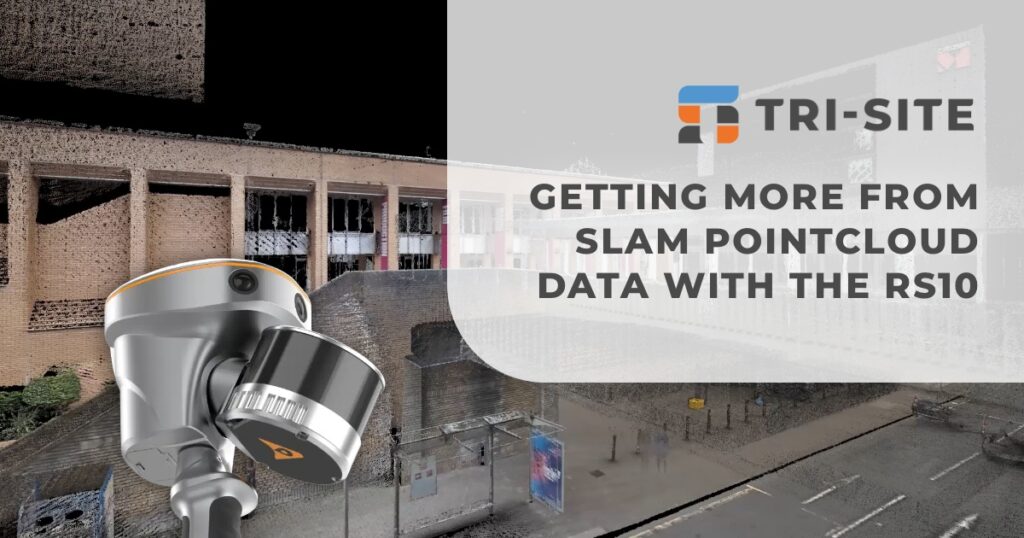
When it comes to SLAM pointcloud data, detail matters, especially if you need precise elevations for your drawings and models. Traditional pointclouds often deliver vast amounts of data, but sometimes fall short in providing the level of detail required for certain tasks.
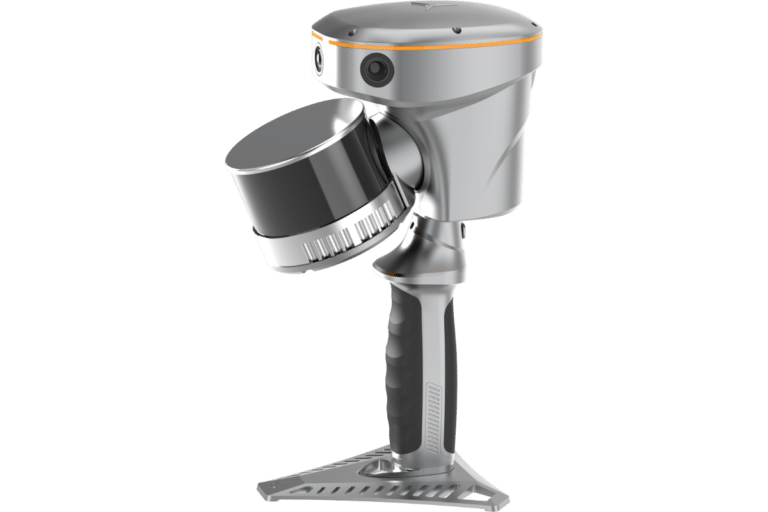
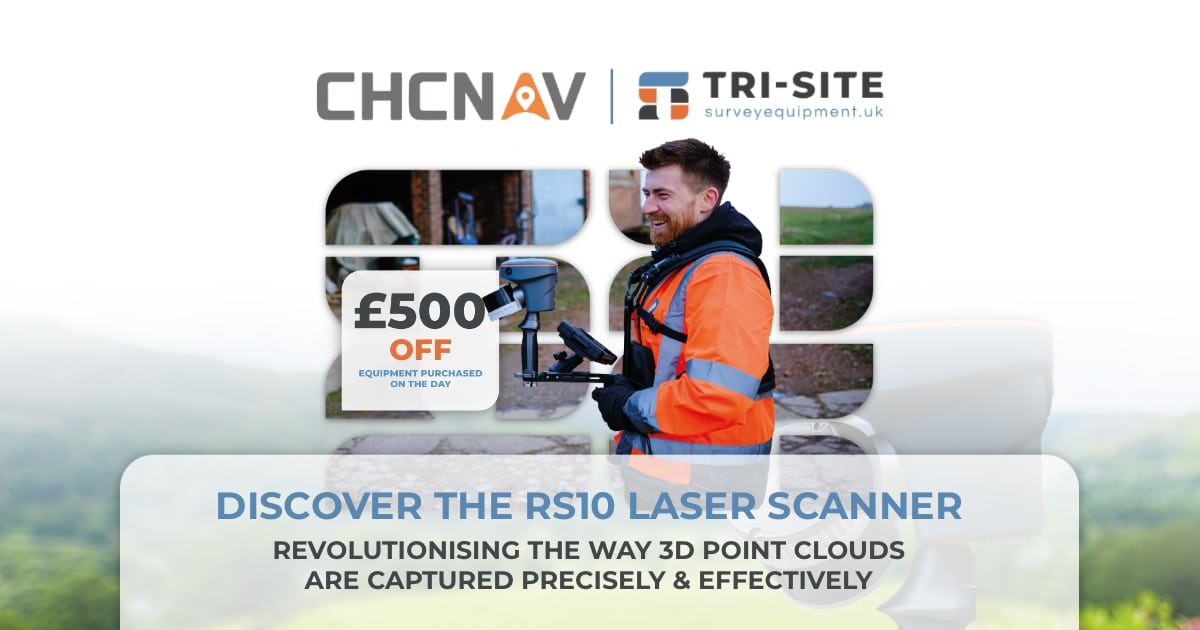
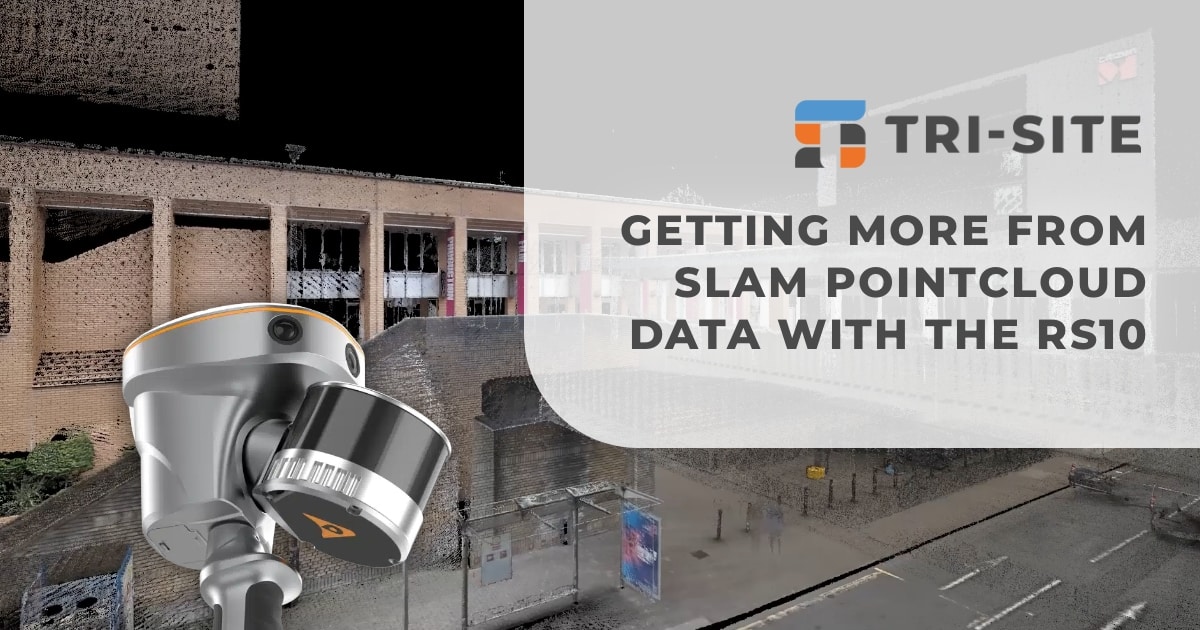
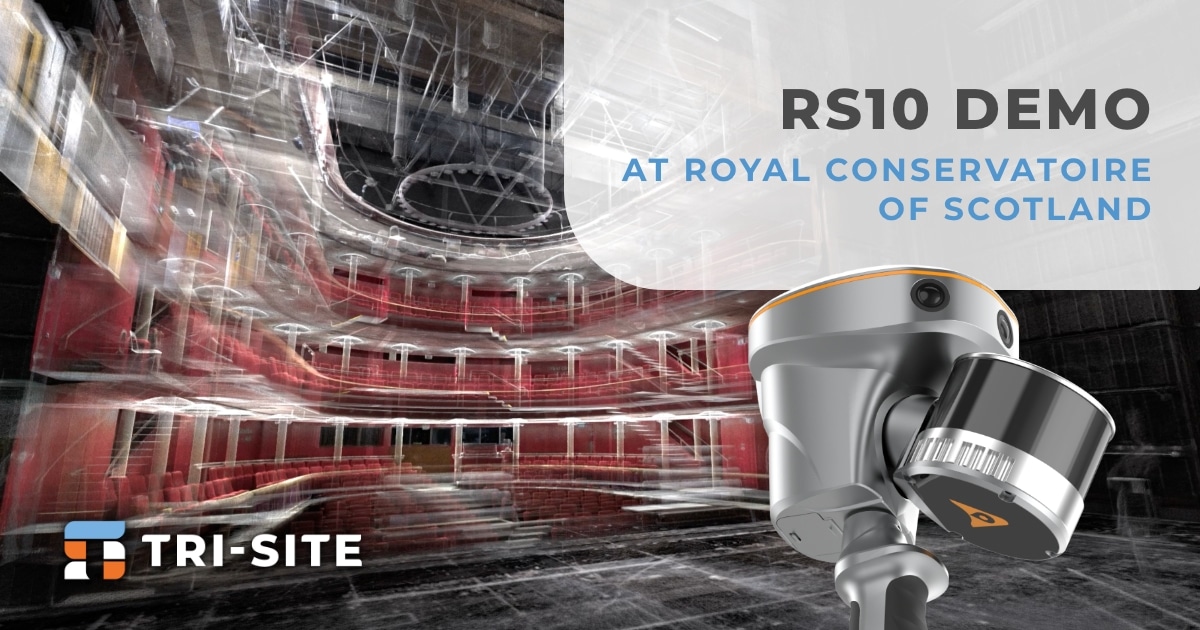
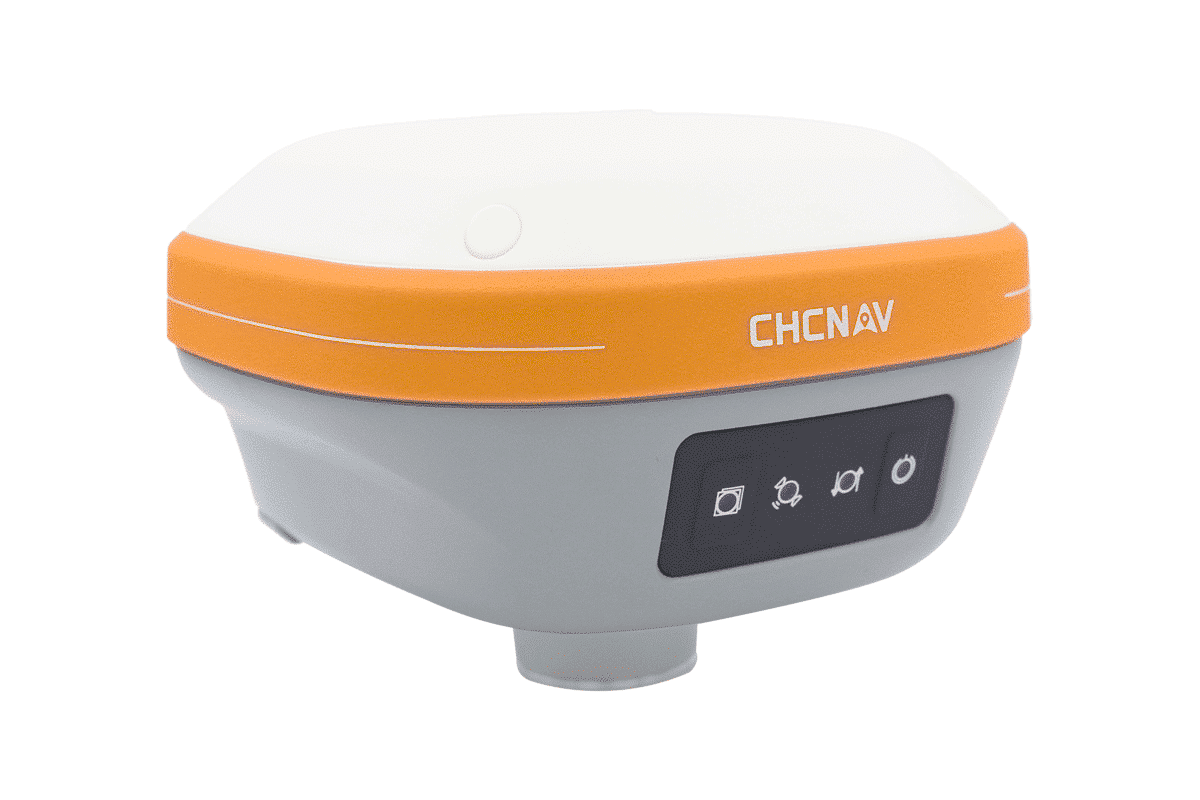
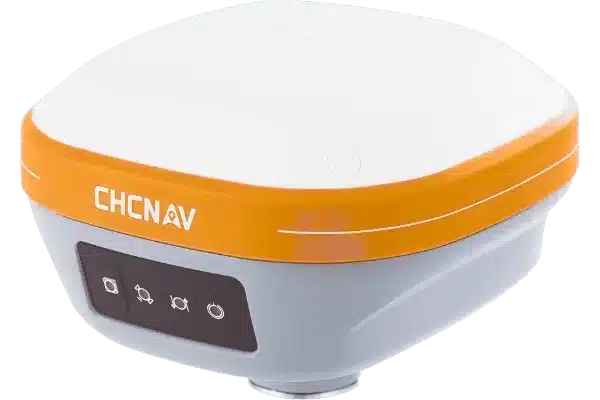
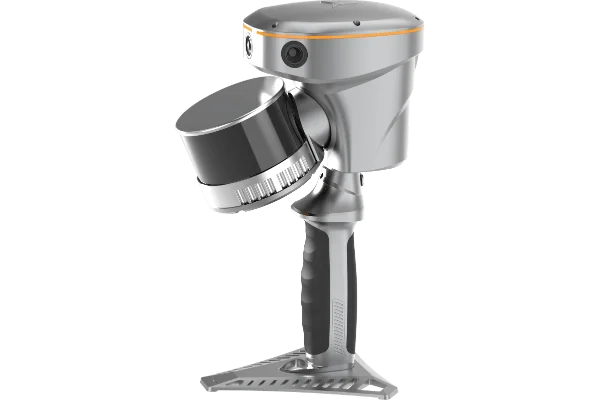
That’s where the CHCNav RS10 comes in. Unlike many SLAM devices that only output pointcloud files, the RS10 provides both.LAS pointclouds and.OBJ files. This dual output expands the possibilities of how you can use your survey data.
Dual File Formats for Versatility
When using SLAM technology, you’ll normally receive pointcloud data in the widely used .LAS format. This format is great for delivering precise, geo-referenced 3D coordinates. It’s ideal for tasks such as classification, measurement, or integration into CAD and GIS software. However, when it comes to visualising detailed surfaces or preparing elevation drawings, pointclouds alone might not provide enough information.
This is where the .OBJ format comes in. Unlike pointclouds, .OBJ files include textured, photo-realistic surface data, capturing colors and details that pointclouds cannot. These richly detailed 3D models help bring sites or structures to life, providing clients and stakeholders with a clearer understanding of the space. Whether for presentations, planning, or design reviews, .OBJ files enhance communication and improve project outcomes.
By offering both .LAS and .OBJ formats with the RS10, you can utilise the strengths of each format. This means better data quality, more flexibility, and more confident decision-making on site and in the office.
Thank you to Applications in Cadd for allowing us to showcase these formats so effortlessly in N4ce!
Detailed 3d Models
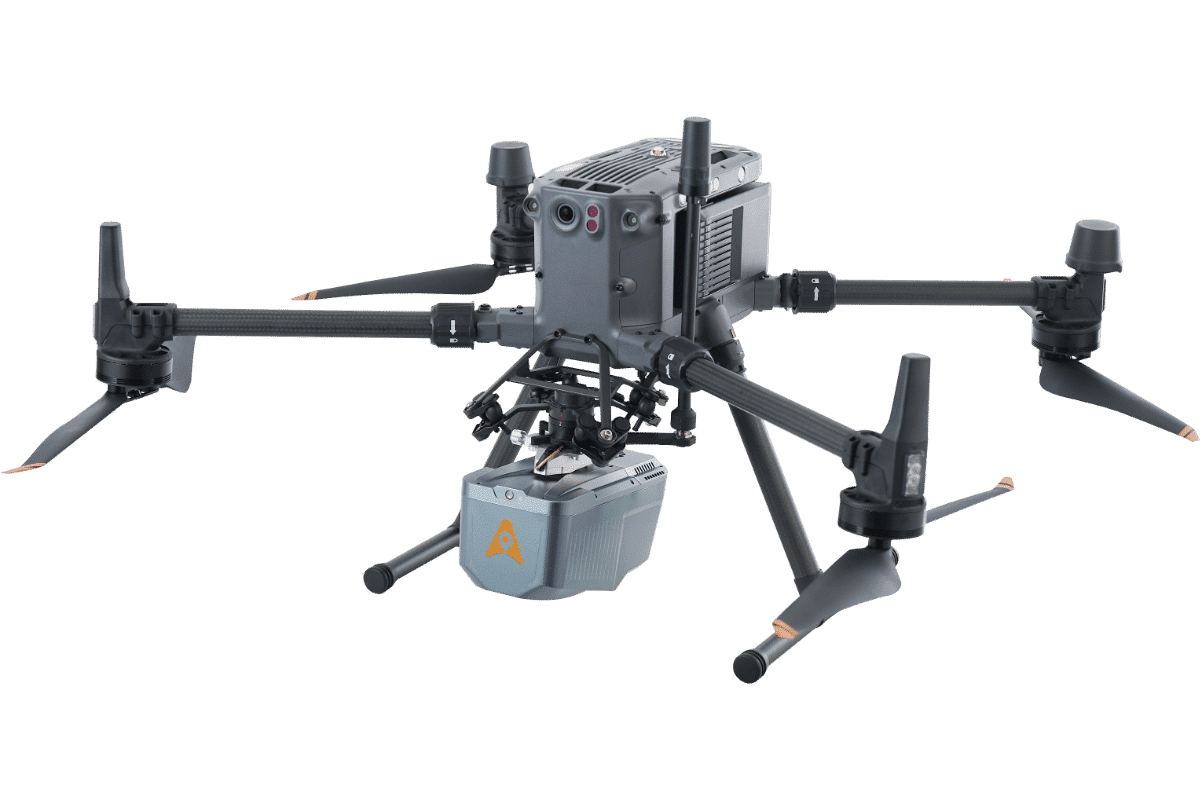
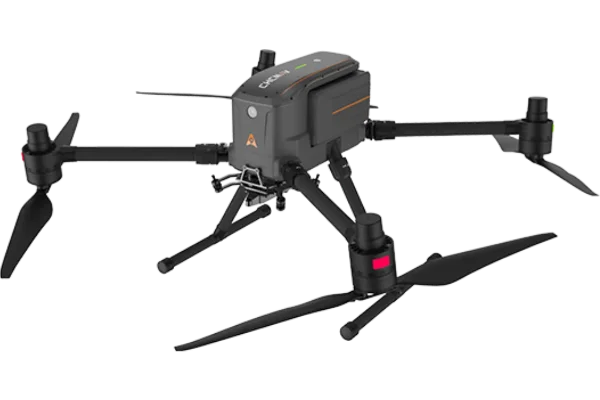
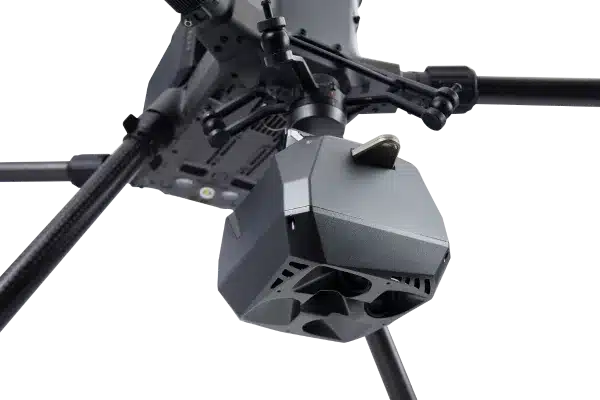
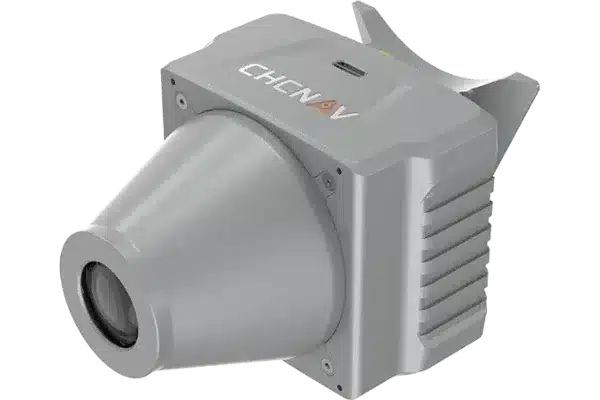
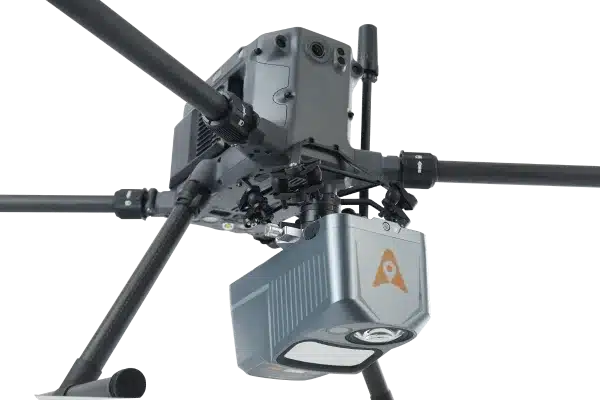
By using the CoPre software alongside RS10 and compatible LiDAR units like the AA9 and AA10, you can merge pointcloud data with imagery to create a full-colour 3D mesh. This capability means you don’t just get raw data, you get detailed, visually rich models that are ready for presentation or analysis. This integration comes at no extra cost, making it a cost-effective choice for surveyors and professionals looking to streamline their workflows. The software’s user-friendly interface also reduces the time spent on post-processing, enabling faster turnaround on projects without compromising on quality.
For those who want to take it a step further, free tools like CloudCompare, MeshLab, and Blender can be used with your data. These applications allow you to edit, refine, and explore your data in new ways, building a complete photorealistic workflow from raw scans to detailed visual models, all without extra licensing fees
Book a Demonstration
The RS10 paired with CoPre software provides accurate data and detailed visuals to meet your project needs. Get in touch with Tri-Site to find out how this system can improve your surveying workflow. Book a demo with us to see the RS10 in action, and we’ll guide you through how it works and help you decide if it’s right for your next job.