









Single, double or roof slope explained in more detail
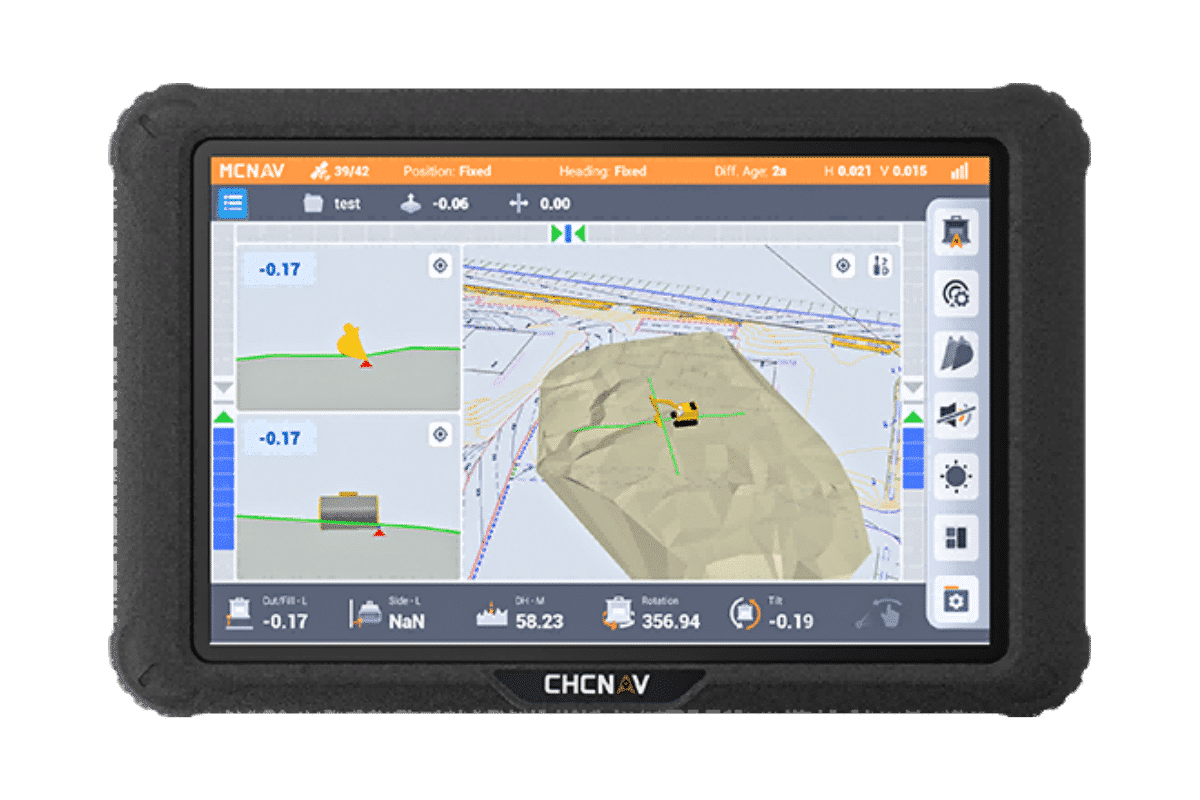
The Android menu buttons explained
Enter a flat surface
Enter a single slope based on 1 point and boom direction
Follow the nearest line as a measure of distance
Modify or activate a project
Move your measuring point box to centerleftright
The Android buttons at the bottom
Upload log points to cloud from tap trans
Upload drawing to cloud from office
Navigating along a line
Sensor tracking speed demo
Shortcuts on the right side
Single slope, in the direction of line A B
Customize your own profile
Delete designs clean up folder
Download drawing from cloud in tap
Enter roof profile or V profile
Export Log Points to USB from Crane
Finding a log point in the field
Give a different color to layers lines points
Info bar at the bottom of the screen
Load XML from USB to project folder
Activate project in project folder
Activate project in project folder
Add Klic DXF to project folder
Add new fixed bin in the screen
bar demo and customize
Change container and activate
Create a line between log points
Create an extra layer in a different color
Create new project folder
Create your own profile save points
Customize the splash screen
Activate Klic in project folder
Create log point save point
Edit or remove log point
Navigating along a line